Wedding DJ Website Maintenance: What to Update After Launch
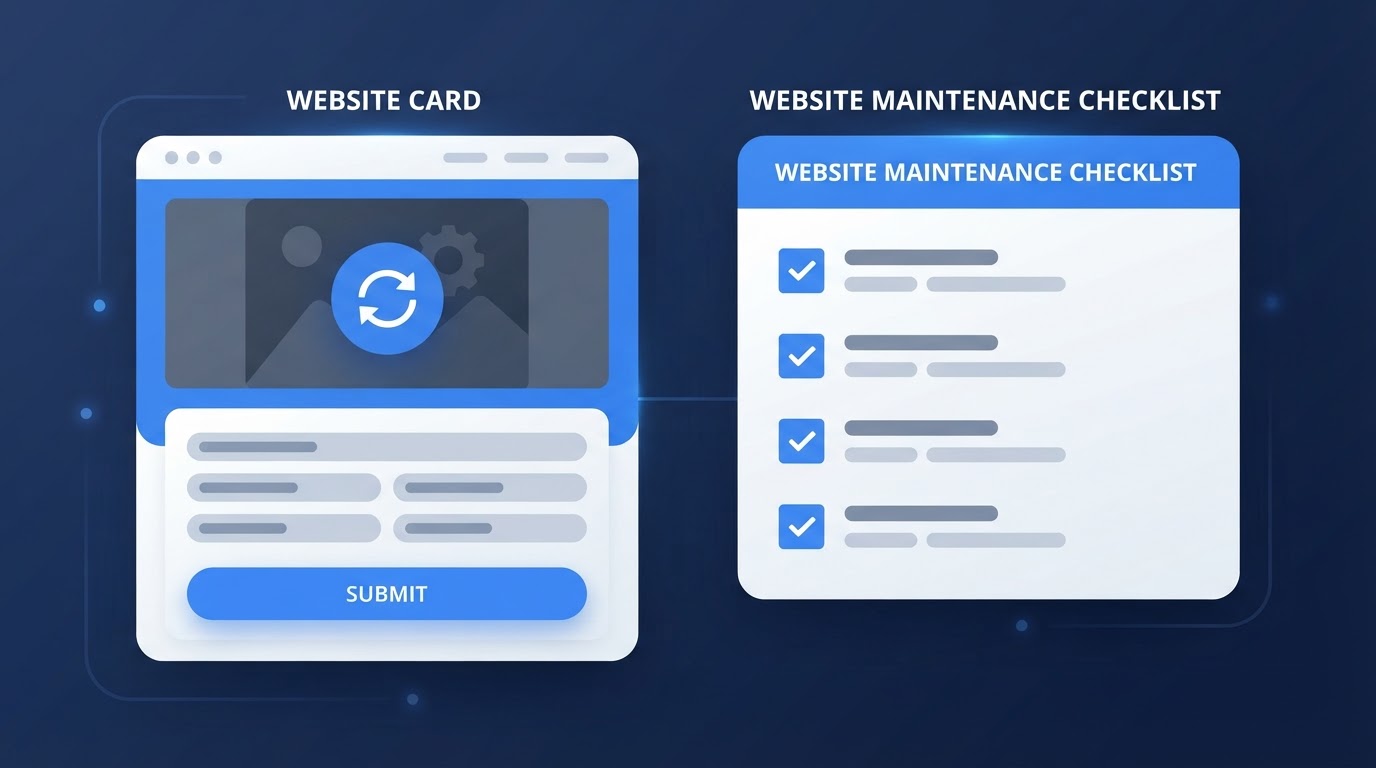
Getting your wedding DJ website launched is a big milestone. But a website is not something you build once and forget about. The couples visiting your site six months from now will be looking at the same pages, the same photos, and the same contact details. If those have gone stale, your website starts working against you.
This guide walks through what to keep an eye on after launch, how to split the work into manageable pieces, and what you can hand off to a website provider if you would rather not manage every update yourself.
Key Takeaways (TL;DR)
- A website needs ongoing upkeep after launch, not just a one-time build.
- Separate content updates (photos, packages, reviews) from technical maintenance (hosting, forms, links).
- Test your inquiry form and consultation calendar regularly so inquiries actually reach you.
- A simple rhythm of monthly checks and a deeper quarterly review keeps things manageable.
- A done-for-you service can handle routine updates so you can focus on events and clients.
Why website upkeep continues after launch
Your business changes. You add new packages, raise your rates, book new venues, and collect new reviews. Your website needs to reflect those changes so couples see an accurate picture of who you are today, not who you were a year ago.
There is also a technical side. Links break, video embeds stop working, and form integrations can silently fail. A website that looked perfect on launch day can quietly develop problems that you only notice when a couple tells you their inquiry never got a response.
Regular upkeep keeps the site trustworthy and functional without requiring a full rebuild every time something small changes.
Content updates versus technical maintenance
It helps to separate two kinds of work:
- Content updates are changes to what the site says and shows: new photos, updated packages, a revised phone number, a fresh review, a new service area.
- Technical maintenance is the behind-the-scenes work: hosting, security updates, fixing broken links, keeping forms and calendar integrations connected, and making sure the site still loads quickly.
How these responsibilities split depends on your platform and provider. On a DIY builder, you usually handle both. With a done-for-you service, content updates are often shared and technical maintenance is handled for you. The important thing is knowing which side owns which task before something breaks, not after.
Keep your business information accurate
Couples use your website to decide whether to reach out. If the details are wrong, you create friction before the conversation even starts.
Review these regularly:
- Packages and pricing: If you have changed your offerings or rates, make sure the site reflects that. A "starting at" price that is months out of date sets the wrong expectation.
- Services: Added photo booths, lighting, ceremony sound, or a new event type? Removed something you no longer offer? Update the list.
- Service areas: If you now travel to a new region or have stopped serving an old one, say so. It saves you inquiries you would have to decline anyway.
- Contact details: Phone number, email, and inquiry form should all reach you. A form that sends to an old inbox is one of the most common ways to lose leads.
- Team information: If you have added a second DJ or changed how your company is presented, update the About section so couples know who they are hiring.
Add recent event photos and reviews
Fresh content is one of the strongest trust signals on a DJ website. Couples want to see that you are actively working and that recent clients were happy.
A few things to keep in mind:
- Use real photos from real events. Make sure you have permission from your photographer or planner before publishing images they supplied.
- Replace older gallery images gradually rather than letting the same shots sit for years.
- Add recent reviews where you can. If you use a live Google review feed, this may happen automatically. If reviews are added manually, keep them current.
You do not need a massive gallery. A curated set of recent, high-quality photos is more effective than a large collection of outdated ones.
Test your inquiry form end to end
An inquiry form is only useful if the message actually reaches you. Forms can break quietly, especially if an email integration changes or a connected account expires.
Periodically test the full path:
- Submit the form yourself with a test inquiry.
- Check the confirmation the visitor sees after submitting. Does it set a clear expectation, like a response within 24 hours?
- Confirm delivery to the correct inbox. Check spam and promotions folders too, since that is where missing inquiries often end up.
If you want a deeper look at how to reduce friction in the inquiry process, see our guide to fixing your DJ website's inquiry flow.
Check your consultation-calendar links
If your website lets couples schedule a consultation, those links need to stay accurate. A calendar that shows old availability or the wrong time zone creates a frustrating experience.
Check the following:
- Does the booking link still work and open the correct calendar?
- Are the available appointment times current and realistic for your schedule?
- Is the time zone correct, especially if you serve couples in different regions?
- Does the confirmation message or email reach the person who booked?
It is worth being clear about what a consultation calendar does and does not do. Scheduling a consultation is a conversation about your services. It is not the same as reserving a wedding date. Embedding a calendar does not automatically manage your event availability, handle contracts, collect payments, or prevent double bookings. Those are separate workflows that usually need their own tools.
Check the site on a phone after meaningful changes
Many couples will look at your website on a phone. After any significant update, take a few minutes to open the site on a mobile device and make sure nothing has shifted. Look for text that overflows, buttons that are hard to tap, or images that no longer fit the layout.
This is a quick check, not a full audit, but it catches the most visible problems before a couple does.
Fix broken video embeds and outdated links
Two things break more often than anything else on a DJ website:
- Video embeds: If a mix or highlight reel is hosted on a third-party platform and that video is removed or made private, the embed on your site will stop working. Check your video sections periodically and replace or remove anything that no longer plays.
- Outdated links: Links to venues, press features, or partner vendors can break when those pages move or disappear. A quick click-through of your external links every few months is usually enough.
A manageable maintenance schedule
You do not need to overhaul your website every week. A simple rhythm keeps things in good shape without becoming a burden. This is practical guidance, not a research-backed industry standard, so adjust it to fit how often your business changes.
Quick monthly checks
- Submit a test inquiry and confirm it arrives in your inbox.
- Click through your consultation-calendar link and verify the times and time zone.
- Glance at the site on your phone for anything obviously broken.
Deeper quarterly review
- Review packages, services, service areas, and contact details for accuracy.
- Add a few recent event photos and any new reviews.
- Test video embeds and check external links.
- Review your "starting at" price or investment language if it has changed.
Updates whenever business details change
- Any time you change pricing, add or remove a service, update your phone number, or bring on a team member, update the site right away rather than waiting for the next review.
A simple checklist of what to send your website provider
If someone else handles your updates, you can make their job easier by sending organized requests. A short batch is easier to act on than scattered emails over time.
When you have updates, gather:
- Photos: A few recent, high-quality event images, with confirmation you have permission to use them.
- Approved reviews: The exact text and the client name you want shown, so nothing has to be guessed.
- Revised package details: Names, descriptions, and any pricing or "starting at" language you want updated.
- Requested text changes: Specific edits, such as a new service area, a corrected phone number, or an updated About section.
Sending these together, even once a quarter, keeps your site current without requiring you to log in and make changes yourself.
How DJ Web Studio can help
If you would rather not manage every update yourself, that is where an ongoing website service comes in. To state it plainly, DJ Web Studio's current offer is:
- $297 one-time setup for the website build, customization, and launch.
- $49 per month for hosting and routine minor updates.
- Help connecting consultation-booking tools so couples can schedule a call with you.
- Guidance on website presentation and improvements as your business evolves.
The monthly service covers hosting, security, and routine minor updates such as adding photos, mixes, or small text changes. It does not include major redesigns, custom software, extensive structural changes, or marketing services. Some third-party tools and subscriptions, such as a scheduling or CRM platform, may carry their own separate fees.
If you want to compare this against other options, our wedding DJ website cost guide breaks down the tradeoffs, and our website checklist covers what couples look for. You can also review DJ Web Studio's pricing directly.
When marketing becomes the next step
Maintenance keeps your website working. It does not, on its own, bring more visitors. If you reach a point where the site is in good shape and you want more visibility, marketing is a separate next step. That might include local SEO, content, or paid promotion, but those are outside the scope of a website maintenance plan. No website update can promise specific rankings, inquiries, or bookings, and you should be cautious of anyone who does.
Frequently Asked Questions
How often should I update my wedding DJ website?
A practical rhythm is a quick monthly check (test your form and calendar, glance at the site on your phone) and a deeper quarterly review (packages, photos, reviews, and links). Update anything right away whenever your business details change. This is practical guidance, not a fixed industry standard, so adjust it to fit how often your business changes.
What is the difference between content updates and technical maintenance?
Content updates are changes to what the site says and shows, such as new photos, updated packages, or a corrected phone number. Technical maintenance is the behind-the-scenes work, including hosting, security updates, fixing broken links, and keeping forms and calendar integrations connected. How these split depends on your platform and provider.
Does a done-for-you service handle all my updates?
It depends on the provider. DJ Web Studio's monthly service covers hosting and routine minor updates such as adding photos, mixes, or small text changes. It does not include major redesigns, custom software, extensive structural changes, or marketing services. Some third-party tools and subscriptions may carry their own separate fees.
How do I test whether my inquiry form is working?
Submit a test inquiry yourself, check the confirmation the visitor sees, and confirm the message actually arrives in your inbox, including spam and promotions folders. Forms can break quietly when an email integration changes or a connected account expires, so it is worth testing every month or two.
Final takeaway
A professional website stays professional because someone keeps it current. The work is not complicated, but it is ongoing. Whether you handle it yourself or hand it off, the goal is the same: an accurate, working website that helps couples get to know you and reach out with confidence.
If you want to talk through what ongoing website help looks like, review the pricing or schedule a short conversation. There is no need to commit before you understand what is included.
Related Articles
Wedding DJ SEO: Practical Steps for Google and AI Search
How Search and AI answer engines discover wedding DJ websites, what actually helps pages rank or appear in snippets, and what claims to avoid.

How Your DJ Website Can Help Couples Understand Your Pricing
Help couples understand your wedding DJ pricing with clear package details, relevant event examples, and straightforward answers about costs and next steps.
What Should a Wedding DJ Website Include? Content to Prepare
Prepare the business details, services, photos, bio, reviews, package information, and contact preferences needed for your wedding DJ website.