How to Add a Consultation Booking Calendar to Your DJ Website
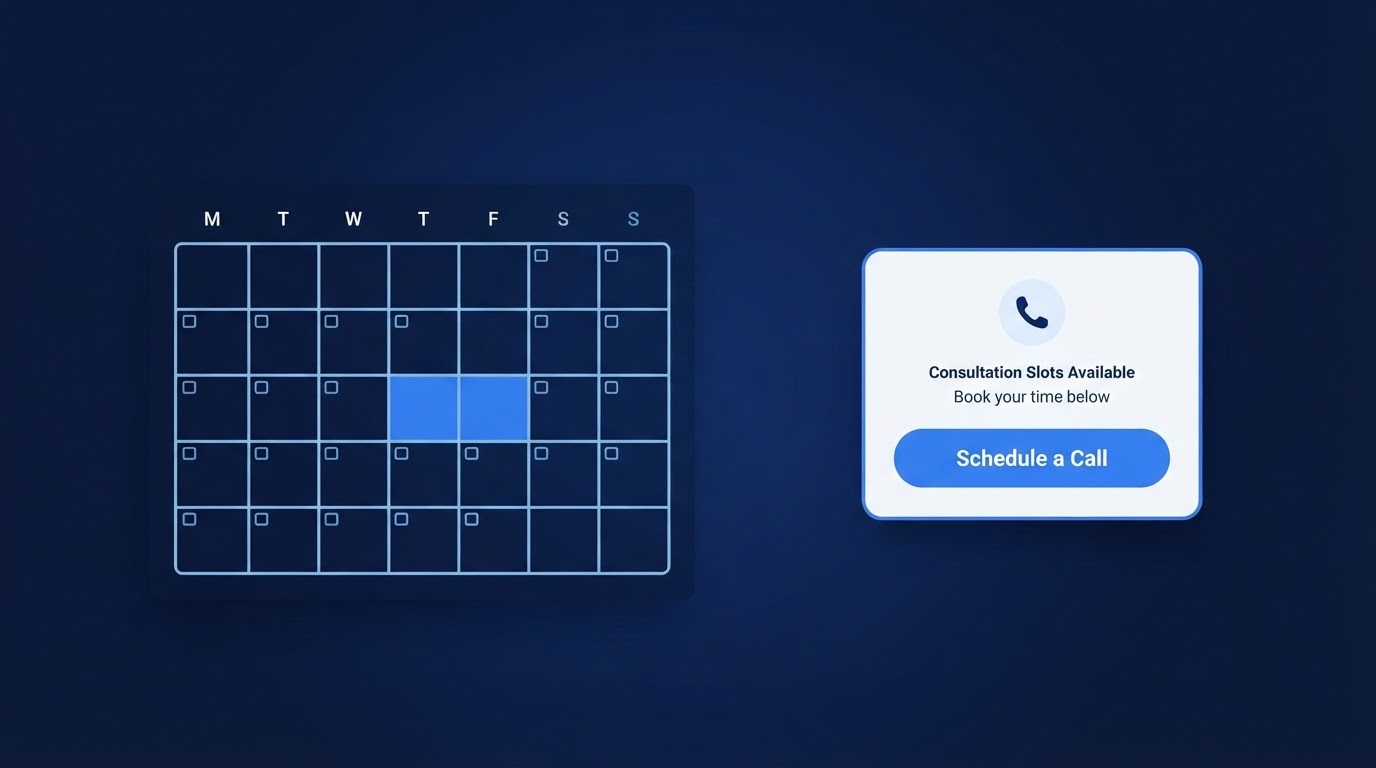
A couple visits your website on a Tuesday evening. They like what they see, and they want to talk. So they send a message asking when you are free this week. You reply the next morning with two options. They get back to you that night, but one of those times has already been booked. You suggest a new time. By the time they confirm, it is the following Monday, and the conversation has taken five messages and almost a full week.
This is the moment most couples decide whether to keep going or quietly move on to the next DJ on their list. A consultation calendar does not fix every part of your sales process, but it removes one of the most common sources of friction: simply finding a time to talk.
Key Takeaways (TL;DR)
- A consultation calendar lets couples choose a time to speak with you, not reserve a wedding date.
- You can start with a booking app you already use, or have a calendar set up for you.
- Place the calendar where a ready-to-talk couple will actually see it.
- Keep required fields short and test the full process on a phone before relying on it.
- DJ Web Studio can connect your existing app or set up a consultation calendar, included in the $49/month plan.
1. What a consultation calendar actually does
A consultation calendar lets a couple pick a time for a conversation with you. That is the whole job. They choose a slot, the calendar holds it, and both of you get a confirmation.
What it does not do is confirm whether you are available for their wedding date. Scheduling a 20-minute call on a Tuesday does not mean you are booked for their Saturday in October. It also does not replace a contract, a deposit, or a payment. Those are separate steps that happen after the conversation, not inside the calendar.
Keeping that distinction clear matters for two reasons. First, it sets the right expectation with couples so nobody assumes a call means a booking. Second, it keeps you from relying on the calendar for a job it was not built to do.
2. Where the calendar fits in your inquiry process
There is no single right order, but two approaches work well for most wedding DJs.
Inquiry form first, then a consultation link
You collect a few details through an inquiry form — name, email, event date, venue. You check whether the date is even possible and whether the inquiry looks like a fit. If it does, you send the couple a link to schedule a consultation. This gives you a chance to screen out inquiries you would have to decline anyway before offering your time.
Direct consultation scheduling up front
You let couples book a consultation directly from the website, collecting a few basic event details during scheduling. This removes a step and feels faster to a motivated couple. The tradeoff is that you may end up on calls with inquiries that were never a fit, because you have not seen the details first.
Either way, remember the point above: scheduling a consultation is not the same as confirming wedding-date availability. If you offer direct scheduling, make clear on the page that the call is a conversation, not a booking.
3. Keep your existing booking app—or get help setting one up
If you already use a booking app or scheduling tool you like, there is no reason to switch. Start there. Most DJs do not need a second subscription just to let couples book a call.
If you do not have a tool yet, you do not have to go find one on your own. DJ Web Studio can help in one of two ways:
- Connect your existing app: Already use a booking app? We can help connect it to your website so couples can schedule a consultation without leaving the page.
- Set up a calendar for you: Do not have one yet? We can set up a consultation calendar through our platform, included in your $49/month website plan — no additional calendar charge.
This is DJ Web Studio's included consultation calendar. It schedules consultations. It does not automatically reserve wedding dates, handle contracts, process payments, or run advanced automations. If you need those workflows, they are separate tools.
One thing to keep in mind: if you connect a third-party booking app you already subscribe to, that app may still carry its own subscription fee. The included calendar does not.
4. Configure the consultation
Before the calendar goes live, set it up so it reflects how you actually work. The most common settings to review:
- Appointment length: How long is the call? 15 to 30 minutes is typical for a first consultation.
- Available hours: Which days and times do you actually want to take calls? Be honest with yourself, not just generous.
- Time zones: If you serve couples in different regions, make sure the calendar displays their local time correctly.
- Advance notice: Require some minimum lead time so you are not booking a call that starts in ten minutes.
- Buffers: Leave a short gap between appointments so you are not rushing from one call into the next.
- Connected calendars: If the tool supports it, connect your personal or work calendar so consultations do not double-book against existing events.
As an example, a common setup is a 20-minute call, offered on weekday afternoons and evenings, with a 15-minute buffer between appointments and at least a day of advance notice. That is just an example, not a rule. Adjust it to fit your schedule and how you like to run a first conversation.
5. Collect useful details without a long questionnaire
The scheduling form is not the place to ask for a full event brief. A couple just wants to pick a time. A few useful fields are usually enough to start:
- Names
- Their potential wedding date, with a way to indicate it is undecided
- Venue or city, allowing "not decided yet"
- Requested services (optional)
- An optional brief message
A recommended setup collects the couple's names and email, asks for their potential wedding date with a way to mark it undecided, asks for the venue or city with a "not decided yet" option, and leaves requested services optional. You receive the consultation request and those submitted details, then check wedding-date availability separately.
Collecting a wedding-date field does not check availability, hold the date, create an event reservation, or synchronize event calendars. It simply gives you the information to review alongside the consultation request. A useful confirmation makes that clear:
"Your consultation is scheduled. Your wedding date is not reserved. The DJ will review your event details and confirm wedding-date availability separately."
Match the required fields to your actual process. If a piece of information can wait until the call, let it wait. Every required field is a small reason for a busy couple to give up before finishing. You can collect the planning details — guest count, music preferences, timeline questions — during the consultation itself.
If you want a deeper look at how to keep the inquiry process simple without losing the information you need, see our guide to fixing your DJ website's inquiry flow.
6. Add the calendar to the website
You have two main options for putting the calendar on your site.
Embed the calendar directly
An embedded calendar lets couples pick a time without leaving your website. It feels smoother and keeps them on your page. The tradeoff is that some embeds can be awkward on a phone if the tool is not mobile-friendly, so check how it looks on a small screen.
Link to a hosted scheduling page
Instead of embedding, you link out to a standalone scheduling page. It is simpler to set up and usually more reliable on mobile, but it sends the couple away from your site for a moment.
For most DJs, the right places to put the calendar are:
- The contact page, near the inquiry form.
- The confirmation page or email a couple sees after submitting an inquiry.
- A clear consultation call-to-action anywhere you invite couples to reach out.
Use accurate button labels like Schedule a Consultation or Book a Call. Avoid labels like Book Your Wedding when the visitor is only scheduling a conversation — that sets the wrong expectation and can confuse a couple who thinks they just reserved their date.
7. Explain what happens next
Once a couple books, they want to know what they signed up for. A short note on or near the calendar should tell them:
- Whether the consultation is free. For most DJs, the first call is complimentary. Say so.
- How the meeting happens. Is it a phone call, a video call, or whichever they prefer?
- What to prepare. A rough guest count, a date, a venue, or a couple of songs they have in mind.
- How to reschedule or cancel. Couples reschedule. Make it easy rather than making them email you to undo a booking.
If your scheduling tool supports them, automated confirmations and reminders help reduce no-shows. If it does not, a quick personal confirmation email does the same job. Use what your tool supports rather than promising reminders you cannot deliver.
8. Test the complete process
Before you trust the calendar with real couples, walk through the whole path yourself. A quick checklist:
- Open the calendar on a phone, not just a laptop.
- Make a test appointment at a near-future time.
- Check that the displayed time zone is correct.
- Confirm the appointment lands on the right calendar.
- Confirm both you and the test booker receive the expected messages.
- Test rescheduling and cancellation so you know the couple can undo a booking without emailing you.
- If your tool supports connected-calendar conflict checking, book something on your personal calendar and confirm the consultation slot reflects it.
- Remove the test appointment afterward so your calendar is clean.
It takes a few minutes, and it catches the problems that quietly cost you calls — a calendar showing the wrong time zone, confirmations going to spam, or an embed that breaks on mobile.
9. Common mistakes to avoid
- Unclear button labels. If the button says "Book Now" but it only schedules a call, couples may think they are booking their wedding. Label it honestly.
- Outdated available hours. If you stopped taking calls on Friday nights but the calendar still offers them, you will either decline them or resent them. Keep the hours current.
- Too many required fields. A scheduling form is not the place for a full questionnaire. Ask for what you need to take the call, and collect the rest later.
- Broken or awkward mobile embeds. Many couples will open the calendar on a phone. If the embed is hard to tap or runs off the screen, you lose the booking at the last step.
- Assuming a consultation booking handles wedding-date availability. It does not. A couple who books a call has not reserved your services for their event. Confirm availability separately.
Because calendars and integrations can drift over time, it is also worth re-checking yours periodically as part of your routine upkeep. Our website maintenance guide walks through a simple rhythm for that.
Frequently Asked Questions
Can I keep my existing booking app?
Yes. If you already use a booking app you like, DJ Web Studio can help connect it to your website. There is no need to switch or pay for a second tool unless you want to.
Do I need a separate calendar subscription?
Not necessarily. DJ Web Studio can set up a consultation calendar through our platform, included in the $49/month website plan — no additional calendar charge. If you choose to use a third-party booking app you already subscribe to, that app may still carry its own fee.
Does scheduling a consultation reserve the wedding date?
No. Scheduling a consultation only books a time to talk. It does not confirm wedding-date availability, reserve the event, or replace a contract or deposit. Those are separate steps that happen after the conversation.
Should the calendar go before or after the inquiry form?
Either can work. If you want to screen inquiries first, use the form and then send the consultation link. If you want to remove a step for motivated couples, offer direct scheduling and collect basic event details during booking.
Can DJ Web Studio help set it up?
Yes. We can connect your existing compatible booking app, or set up a consultation calendar for you, included in your $49/month plan. The calendar schedules consultations — it does not handle contracts, payments, or wedding-date reservations automatically.
Final takeaway
A consultation calendar is a small addition that removes a real source of friction: the back-and-forth of finding a time to talk. Set it up to match how you actually work, label it honestly, test it on a phone, and keep the distinction between a consultation and a wedding booking clear.
If you want a professional DJ website with hosting, routine updates, and help with consultation scheduling, review the pricing or schedule a short conversation. Keep your existing booking app, or let us set up a consultation calendar for you — included in the $49/month plan. And if you are still weighing your options, our website cost guide breaks down the tradeoffs. When you are ready for more than a website — when you want more visibility — marketing is an optional next step we can discuss separately.
Related Articles
Wedding DJ Inquiry Follow-Up: What to Send When Couples Go Quiet
Wedding DJ inquiry follow-up examples: what to include in your first reply, how to follow up politely, and when to close the loop.
7 Wedding DJ Website Mistakes and How to Fix Them
Fix seven common DJ website problems, from unclear services and confusing packages to mobile issues, outdated details, and inquiry forms that don't deliver.
Wedding DJ Website Maintenance: What to Update After Launch
A professional website is not a one-time project. Here is a practical guide to the content and technical updates that keep a wedding DJ website working after launch.