Do You Need a DJ Website, Booking Software, or Both?
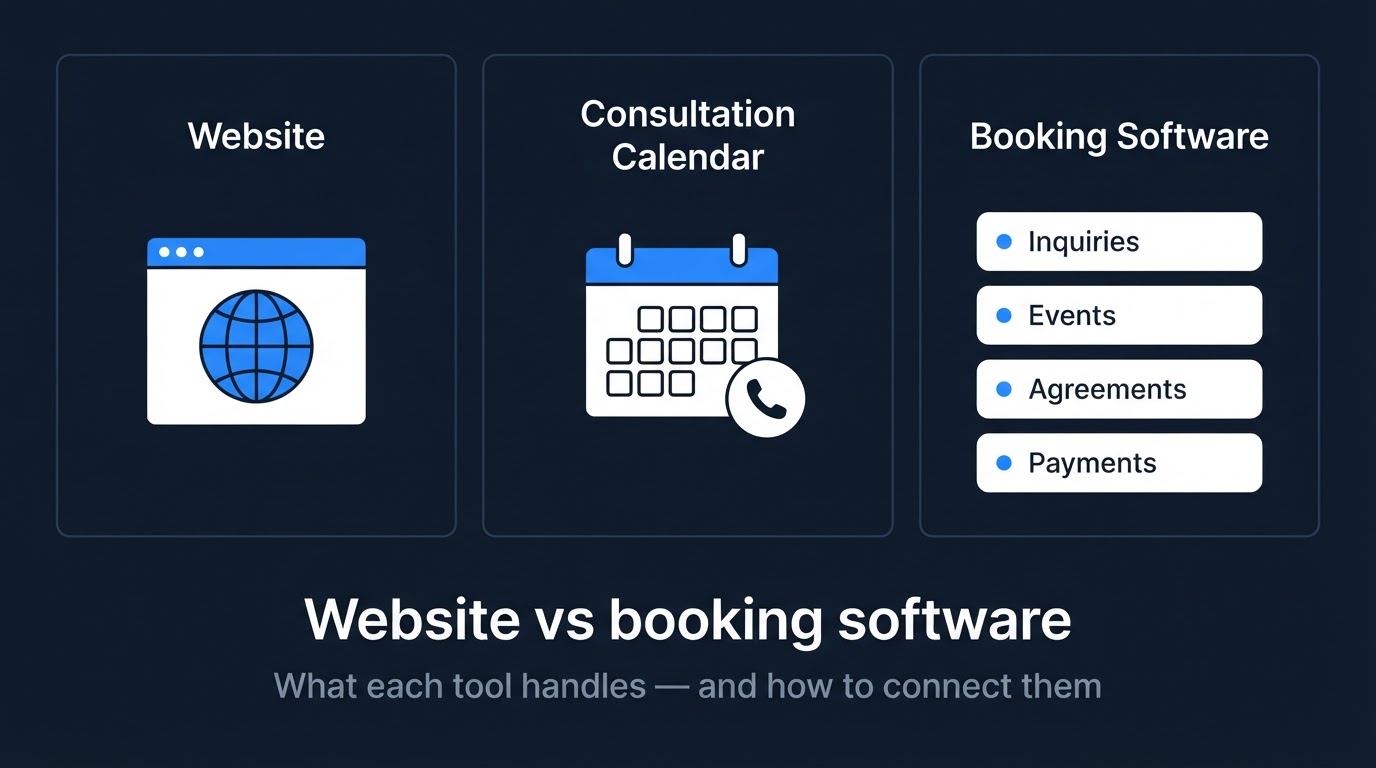
A DJ website explains your business and gives potential clients a way to contact you. Booking software can help manage inquiries, event details, agreements, payments, or planning, depending on the product and plan.
A consultation calendar has a narrower job: it lets someone choose a time to speak with you.
You may need one, two, or all three. Start with the work you need help handling rather than assuming you need a complete system.
What a DJ website handles
Your website is a public place to explain who you are, what you offer, where you work, and how someone can inquire.
It can include:
- Your services and coverage.
- A DJ or team introduction.
- Relevant photos and videos.
- Genuine reviews.
- Package information or quote guidance.
- An inquiry form.
- A link to, or compatible embed of, your existing booking tools.
The website helps present the business. An inquiry form collects information, but that alone does not mean the site manages the entire booking process.
For help preparing the content, see what a wedding DJ website should include.
What a consultation calendar handles
A consultation calendar lets someone choose an available appointment time.
Depending on its setup, it may collect contact details and provide meeting information or confirmations.
That can make arranging a conversation more straightforward than exchanging several messages about times.
A recommended setup collects the couple's names and email, asks for their potential wedding date with a way to mark it undecided, asks for the venue or city with a "not decided yet" option, and leaves requested services optional. You receive the consultation request and those submitted details, then check wedding-date availability separately.
Collecting a wedding-date field does not check availability, hold the date, create an event reservation, or synchronize event calendars. A useful confirmation makes that clear:
"Your consultation is scheduled. Your wedding date is not reserved. The DJ will review your event details and confirm wedding-date availability separately."
However, a consultation appointment is not a wedding reservation.
A couple might book a call while their wedding date is unavailable. Your appointment calendar and event availability may be separate unless your system explicitly connects them.
Check the event date before saying it is available. Explain your actual reservation process separately.
The guide to adding a consultation calendar to your DJ website covers placement and testing.
What booking software can handle
“Booking software” can describe anything from a scheduling tool to a broader business-management system.
Depending on the product and subscription, features may include:
- Inquiry records and pipeline stages.
- Event-date availability.
- Quotes and proposals.
- Agreements or electronic signatures.
- Invoices and payment collection.
- Planning questionnaires.
- Music requests.
- Client portals.
- Reminders and follow-up automation.
Do not assume every product includes every feature.
Check what the specific plan provides, how it works, and whether there are additional subscription, processing, or integration costs.
A feature list also does not tell you whether the workflow fits your business. Try the actual tasks you expect to perform.
Compare the jobs before choosing tools
| Need | Tool or process to consider | What to confirm |
|---|---|---|
| Explain your DJ business publicly | Website | Services, area, examples, and contact options are accurate |
| Let someone choose a consultation time | Consultation calendar | Appointment availability and meeting details are correct |
| Track inquiries and next actions | CRM, booking software, or a simple manual record | Records stay current and replies are not overlooked |
| Manage event-date availability | Event calendar or booking system | How tentative inquiries, holds, and confirmed events are handled |
| Send agreements and collect payments | Suitable booking software or separate services | Features, costs, and your reservation process |
| Collect planning details | Planning software, forms, or another organized process | Information is accessible to the people who need it |
Swipe to view all columns →
These are functions to evaluate, not a required shopping list. One product may cover several jobs, or you may already have a workable process.
If you already have booking software
You may only need a better public website connected to the system you already use.
Before replacing your software, check whether it provides:
- A public inquiry-form link.
- A consultation-scheduling link.
- A supported website embed.
- A way to receive inquiries from an external form.
A link can sometimes be enough. An embed may keep the tool within the page, but it still needs to work on a phone and fit the layout.
More complex connections may require an API, automation service, supported integration, or additional work. Do not assume that displaying a form means its data automatically synchronizes with every other system.
Confirm compatibility before committing to a website build or canceling a subscription.
If you do not have booking software
You do not automatically need a full system to launch a useful website.
A focused inquiry form, a reliable inbox, and a simple record of inquiries may be enough for your current workload.
If arranging calls is the main frustration, a consultation calendar may address that specific task.
If you regularly lose track of agreements, payments, event details, or planning information, broader software may be worth evaluating.
Write down the recurring problem first. Then identify the feature or process that would address it.
Avoid buying a large feature set simply because it might become useful someday.
Decide which system holds the current information
When tools overlap, decide where each kind of information belongs.
For example:
- Your website describes public services and package guidance.
- Your event calendar records availability and confirmed events.
- Your booking system or chosen records hold quotes and agreements.
- Your planning process holds the details needed to deliver the event.
Your arrangement may differ. The important part is knowing which record to update and which information other tools use.
If two systems both contain event dates, establish whether they synchronize or require manual updates.
If a website lists a starting price, make sure it stays consistent with your current offer. See how your DJ website can help couples understand your pricing.
Test what happens after an inquiry
Follow the process from the visitor’s action through to your next step.
Check:
- Does the inquiry reach the intended inbox or system?
- Are the submitted details complete and readable?
- Do expected notifications arrive?
- Can you reply to the person?
- Is a contact or event record created if that is intended?
- Does the next step match what the website promised?
- Are duplicate messages or records being created?
A form success message does not prove delivery. One successful test confirms that submission worked; it does not guarantee every future inquiry will arrive.
Test a consultation separately from an event reservation. Do not assume the systems share availability unless you have verified the connection.
Use details you control, clearly identify tests, and manage any appointments or notifications they create.
For a broader review, use the wedding DJ website checklist.
Avoid paying twice for the same job
Before adding another subscription, compare its features with what you already have.
You might already have a consultation scheduler inside your booking software. Another calendar could duplicate that function or create two places to maintain availability.
Likewise, replacing a website does not necessarily require replacing a booking platform that works for you.
Compare the full cost, including setup, subscriptions, transaction fees where applicable, integrations, and the time needed to keep records consistent.
Choose based on the work the tool will handle and whether you will use it.
Two hypothetical setups
A solo DJ with a simple process
Imagine a DJ who manages a manageable number of inquiries through email and keeps an organized event calendar.
They want a website that explains their services and lets couples request a quote. They may add consultation scheduling if arranging calls becomes difficult.
They do not need to buy a full CRM simply to publish that website.
A DJ with established booking software
Imagine a DJ who already uses software for event records, agreements, payments, and planning.
They need a clearer public website, while the existing software continues handling those tasks.
A supported inquiry link or embed may connect the visitor’s next step to that system. Compatibility and delivery still need testing.
These are illustrative setups, not recommendations for every DJ or promises of booking results.
What DJ Web Studio includes
DJ Web Studio offers a customized website for $297 setup + $49/month, including hosting and routine minor updates.
We can help connect an existing compatible booking app or provide an included consultation calendar.
Third-party app subscriptions may cost extra. Compatibility and the connection method should be confirmed before setup.
The standard website plan does not include a full CRM, automated follow-up, SMS, contracts, payment systems, or major redesigns. Optional marketing services are separate.
If you already have a booking tool, tell us what you use and what you want visitors to do. We can assess how it fits the website before you replace a system that may already work for you.
Frequently asked questions
Can booking software replace my website?
Some products include public pages or website features. Whether those meet your needs depends on their content, design options, functionality, and cost. Review the actual product rather than assuming every booking tool provides a complete public website.
Do I need booking software to have an inquiry form?
No. A website can have an inquiry form without a full booking system. You still need to check delivery and establish how you will track and respond to inquiries.
Does booking a consultation reserve the wedding date?
No. It schedules a conversation. An event is reserved according to your actual business process, which may involve an agreement and payment. Explain those requirements clearly.
Can you connect any DJ booking app?
Compatibility needs to be checked. A supported public link or embed may be straightforward; other connections may require additional tools or work. Do not assume every app can be integrated in the same way.
Should I switch everything at once?
You do not need to replace working tools just because you are updating the website. Identify the problem, confirm compatibility, and plan any necessary changes before removing the existing setup.
Build the website around your actual process
Choose a website and tools that reflect how you handle inquiries and events.
Start with the jobs you need help doing, keep useful existing systems, and make the visitor’s next step clear.
Related Articles
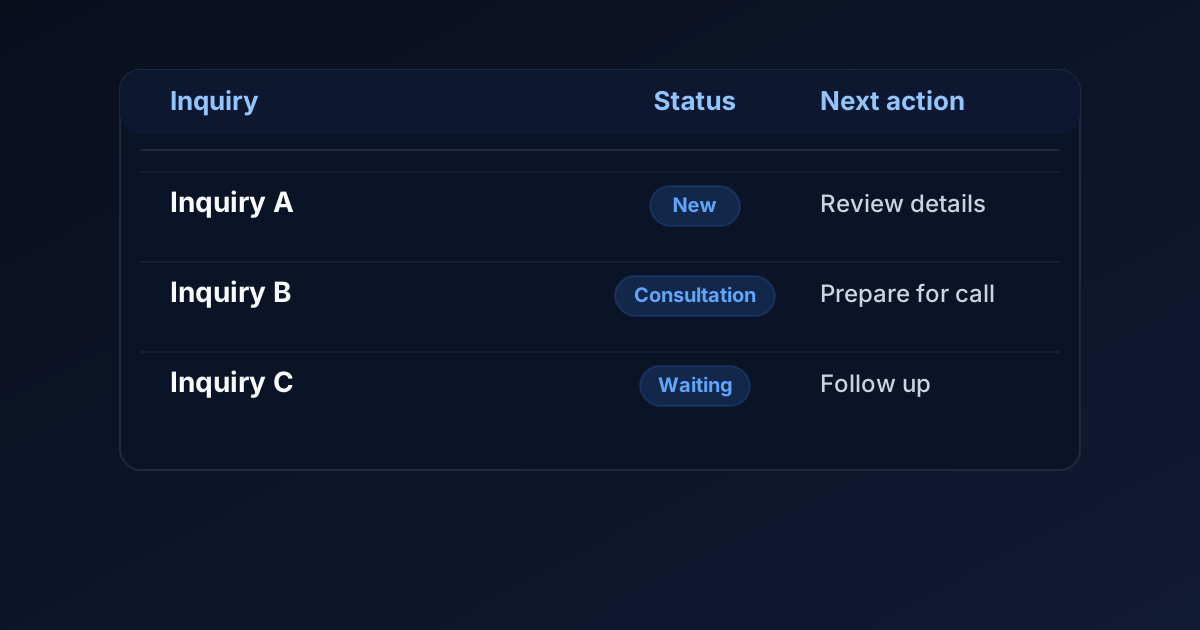
How to Keep Track of Wedding DJ Inquiries Without a Full CRM
Organize wedding DJ inquiries with a simple tracking sheet, clear statuses, follow-up dates, and separate records for consultations and confirmed weddings.
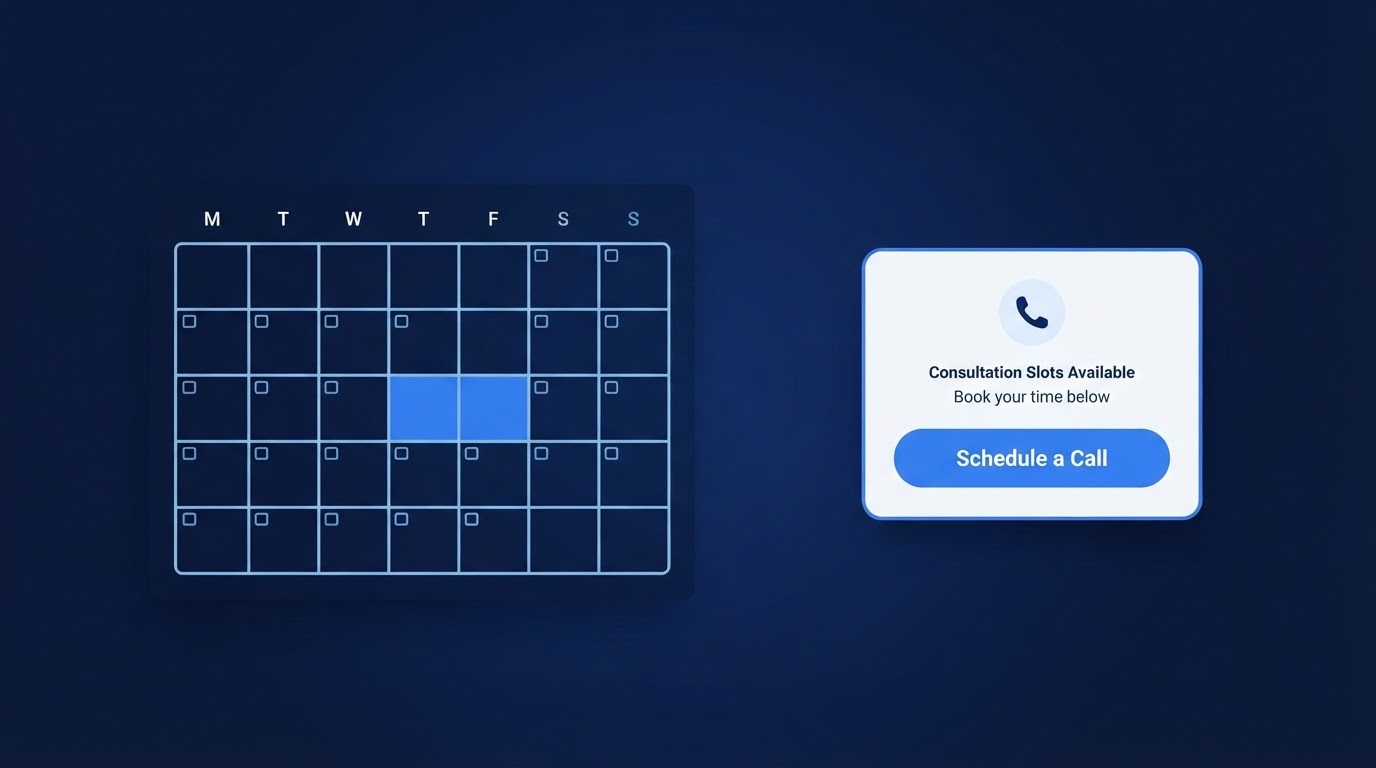
How to Add a Consultation Booking Calendar to Your DJ Website
A consultation calendar lets couples schedule a call without the back-and-forth emails. Here is how to set it up, place it, and test it on a DJ website.
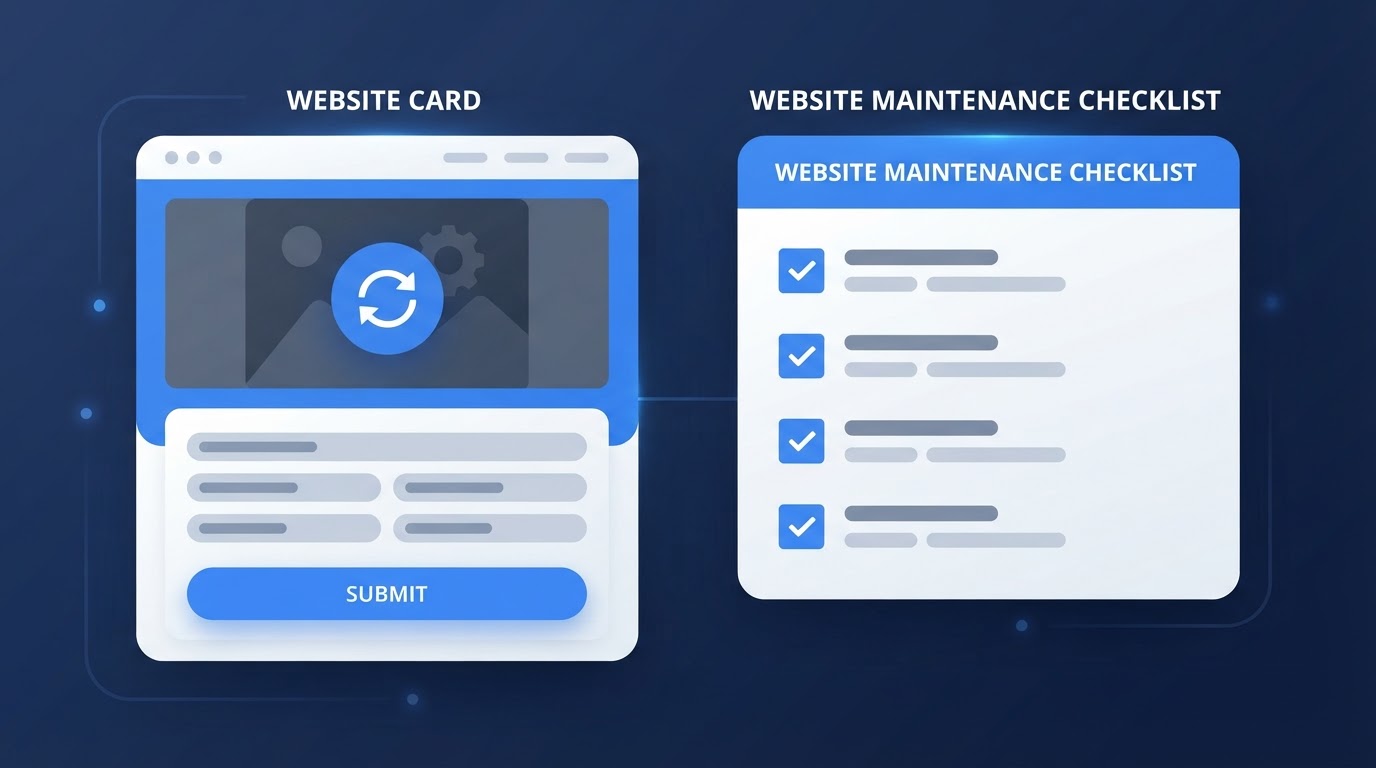
Wedding DJ Website Maintenance: What to Update After Launch
A professional website is not a one-time project. Here is a practical guide to the content and technical updates that keep a wedding DJ website working after launch.