How to Keep Track of Wedding DJ Inquiries Without a Full CRM
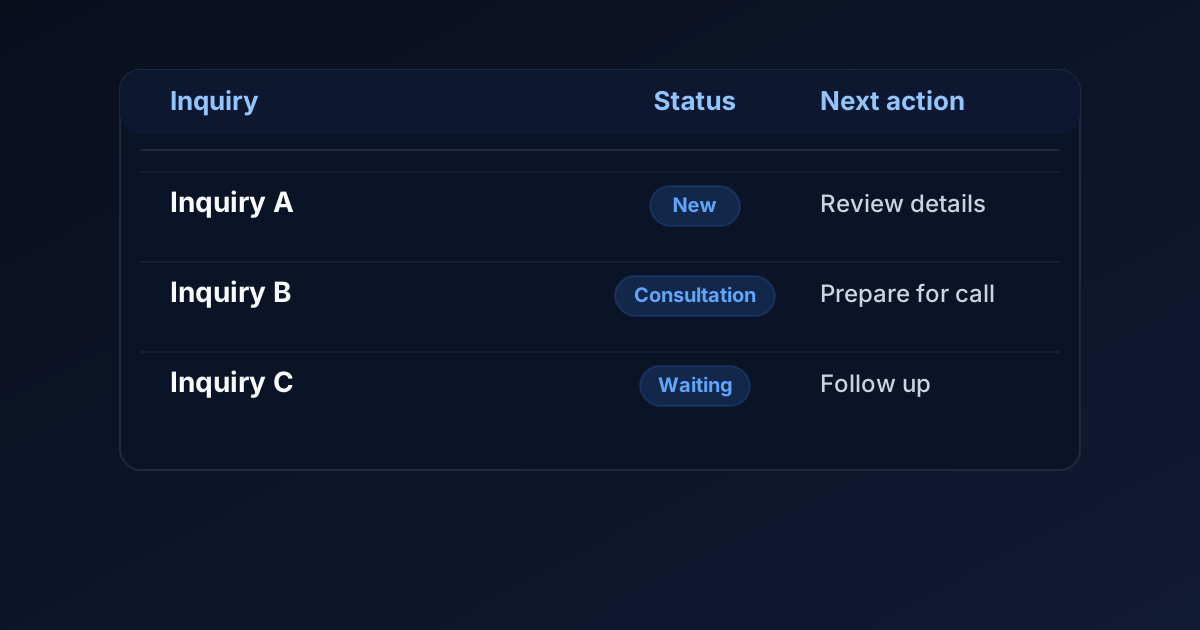
You can start tracking wedding DJ inquiries with a simple spreadsheet: record the event details, current status, last contact, and next action for each inquiry.
The important part is keeping the record current. A spreadsheet does not send replies, check availability, or reserve wedding dates on its own.
If your current workload is manageable, a clear manual process may be enough. If information regularly gets missed or several people need to coordinate, broader software may be worth evaluating.
Give every inquiry one place to live
Inquiries may arrive through your website, email, social messages, referrals, or phone calls.
Choose one place to record them so you do not have to remember which inbox holds each conversation.
That could be a spreadsheet or an existing contact-management tool you already use. You do not need to buy another product simply to begin.
Keep the conversation in its original channel when appropriate, but add a short tracking record. Note where the inquiry came from and where you can find the conversation.
If the same couple contacts you through two channels, update the existing record rather than treating them as two separate opportunities.
Record the details you need—not everything
Start with information that helps you respond and decide what happens next.
Useful fields include:
- Inquiry received date.
- Couple's names and preferred contact method.
- Email or another relevant contact detail.
- Potential wedding date.
- Venue or city.
- Requested services.
- Inquiry source.
- Current status.
- Last contact date.
- Next action and its due date.
Use "undecided" or "not provided" when a detail is missing. Do not guess a wedding date or venue to complete the sheet.
You can collect planning details later. The first record does not need every song request or timeline decision.
Keep notes relevant to the inquiry. Avoid copying payment-card details, passwords, or unnecessary personal information into the tracker. Limit access to the people who need it, and review what you retain when records are no longer useful.
Use clear statuses for each inquiry
A status should tell you where the conversation stands.
Here is one possible starting set:
| Status | What it means | Possible next action |
|---|---|---|
| New inquiry | Received but not yet reviewed | Read the request and check what needs answering |
| Waiting on DJ | You owe an answer or another action | Check availability, prepare a quote, or reply |
| Waiting on couple | You have replied and need their response | Follow up on the agreed or planned date |
| Consultation scheduled | A conversation is arranged | Review details before the call |
| Decision pending | The couple is considering a quote or proposal | Respect their timeline and record a next action |
| Confirmed wedding | Your actual reservation requirements are complete | Follow your event-planning process |
| Closed | The inquiry is no longer active | Record the known outcome and stop scheduled follow-up |
Swipe to view all columns →
These are example labels, not a required industry standard.
A status cannot capture everything. A couple with a consultation scheduled might still need an answer about coverage. Use the next-action field to record that task.
For closed inquiries, distinguish known outcomes such as "unavailable" or "couple declined" from "no response." Do not record "too expensive" unless they actually told you that.
Give every open inquiry a next action
"Follow up later" is easy to overlook because it does not identify what to do or when.
Use a specific action, such as:
- Check the venue location before quoting travel.
- Reply with ceremony coverage details.
- Prepare for Thursday's consultation.
- Follow up after the weekend the couple requested.
- Confirm whether the reservation requirements are complete.
Add a due date.
If an action depends on someone else, record what you are waiting for and when you will review it again.
A spreadsheet row does not create a reminder unless you have deliberately configured one. Use your existing task list or calendar for reminders if needed.
Before starting work, review the actions due that day. The record becomes useful when it guides what you do next.
Keep consultations separate from wedding reservations
Record the consultation appointment and wedding date in separate fields.
A call scheduled for Tuesday is not a reservation for the couple's Saturday wedding.
The wedding-date field records the requested event date. It does not prove the date is available or that you have agreed to provide the service.
Check your actual event calendar before confirming availability. Mark the wedding as confirmed only when your business's reservation requirements are complete.
If you offer temporary holds, record the hold and its expiration according to your real policy. A pending inquiry should not silently become a confirmed event.
Your tracker and calendar do not automatically synchronize unless a connection has been configured and tested.
See the guide to consultation calendars for DJ websites for more about scheduling conversations.
Follow up without chasing people indefinitely
Record a follow-up date that fits the conversation.
If the couple says they will decide after meeting their venue next week, respect that timeline.
If they have not provided one, you can use a short, limited follow-up approach and adjust it to the circumstances. There is no single interval that works for every inquiry.
Stop when they decline or ask not to be contacted. Record that preference so they do not get added to another follow-up list.
When there is no response after your final message, close the inquiry as "no response." That describes what you know without inventing a reason.
For editable messages, see wedding DJ inquiry follow-up examples.
Review your open inquiries each week
A weekly review is one practical starting point. Adjust the frequency to your workload.
Look for:
- New inquiries that have not received attention.
- Actions with overdue dates.
- Consultations that need preparation or follow-up.
- Quotes awaiting a decision.
- Temporary holds approaching expiration.
- Inquiries that should be closed.
- Duplicate or outdated records.
Check active records against the actual conversations and event calendar.
If you regularly find missing information, adjust the process. You might need a clearer form field, a better place to record phone inquiries, or a habit of updating the tracker immediately after a call.
Do not assume every process problem requires a new software subscription.
Know when a spreadsheet is no longer enough
A manual process can become difficult when the work involves several people, repeated data entry, or many tasks across different systems.
Consider evaluating broader software if:
- Team members cannot tell who owns the next action.
- Records are frequently out of date.
- Event details are repeatedly copied into separate documents.
- Agreements, payments, and planning information are difficult to connect.
- You need reminders or workflows the manual process cannot reliably support.
These are reasons to evaluate options, not proof that a full CRM is necessary.
List the specific jobs you need help handling. Check whether your existing tools already provide them before buying something new.
The guide to DJ websites versus booking software explains the different roles of a public website, consultation calendar, and broader booking system.
A hypothetical example: from inquiry to confirmed wedding
Imagine a DJ receives an email asking about reception coverage.
The DJ creates one record with the couple's names, requested wedding date, venue, and inquiry source. The status is "Waiting on DJ," with an action to check availability and reply.
After reviewing the event calendar and answering the question, the DJ changes the status to "Waiting on couple" and records a sensible follow-up date.
The couple schedules a consultation. The DJ records the call time separately from the wedding date and adds a preparation task.
After the call, the couple receives a quote. The record moves to "Decision pending."
The DJ marks the wedding confirmed only after the couple completes the DJ's actual reservation requirements. The event is then recorded in the event calendar and the planning process begins.
This example illustrates a process. It does not claim that every inquiry follows those steps or that tracking produces more bookings.
Frequently asked questions
Can I track inquiries in my existing contacts tool?
Yes, if it lets you reliably record the information and next actions you need. Check the features and permissions available in your particular setup. A contact record alone does not necessarily provide an event pipeline, reminders, or automatic calendar synchronization.
Should every inquiry become a confirmed calendar event?
No. Keep requests, temporary holds, consultation appointments, and confirmed weddings clearly distinguished. Use your actual reservation policy to decide when an event is confirmed.
What if I get an inquiry through Instagram or a phone call?
Add a tracking record and note the source. Keep enough context to locate the conversation or understand what was discussed. Avoid copying unnecessary personal information.
Will a tracker stop couples from ghosting?
No. It can help you keep track of replies and next actions. It cannot control whether someone responds or decides to hire you.
What if my website is not generating many inquiries?
Tracking helps organize the inquiries you receive. It does not create relevant traffic or explain every problem with inquiry volume. See why your DJ website isn't getting inquiries for a separate diagnostic process.
Start with a process you can maintain
Choose one place to record inquiries, keep the details current, and give each active inquiry a clear next action.
DJ Web Studio offers a customized website for $297 setup + $49/month, including hosting and routine minor updates. If you need a consultation calendar, we help install and configure it, or we can help connect an existing compatible scheduler.
Third-party app subscriptions may cost extra. The website offer is not a full event-management system; additional CRM features and optional marketing services are available separately.
Related Articles
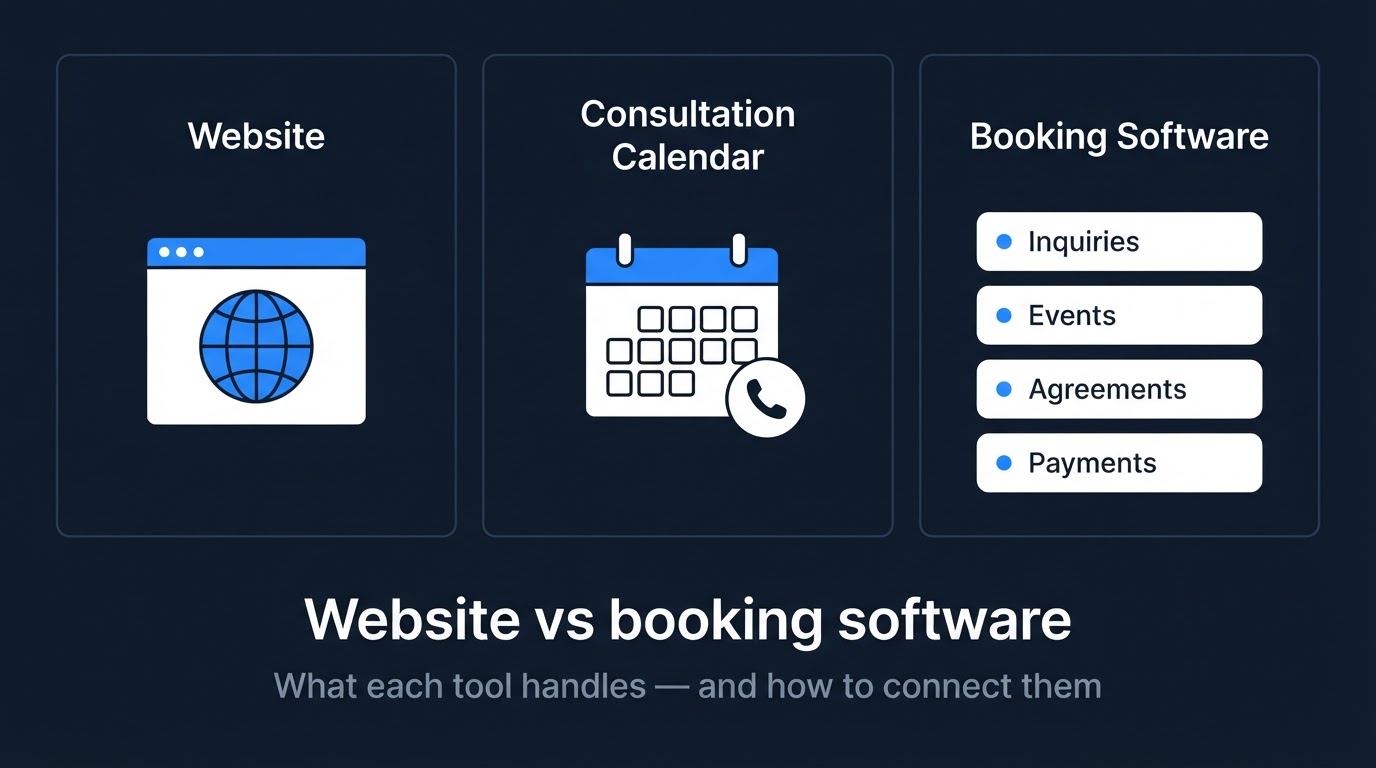
Do You Need a DJ Website, Booking Software, or Both?
Understand what a DJ website, consultation calendar, and booking software each handle—and how to connect them without paying for features you do not need.
How to Add a Consultation Booking Calendar to Your DJ Website
A consultation calendar lets couples schedule a call without the back-and-forth emails. Here is how to set it up, place it, and test it on a DJ website.
Wedding DJ Website Maintenance: What to Update After Launch
A professional website is not a one-time project. Here is a practical guide to the content and technical updates that keep a wedding DJ website working after launch.