How to Make Your DJ Website Look More Professional
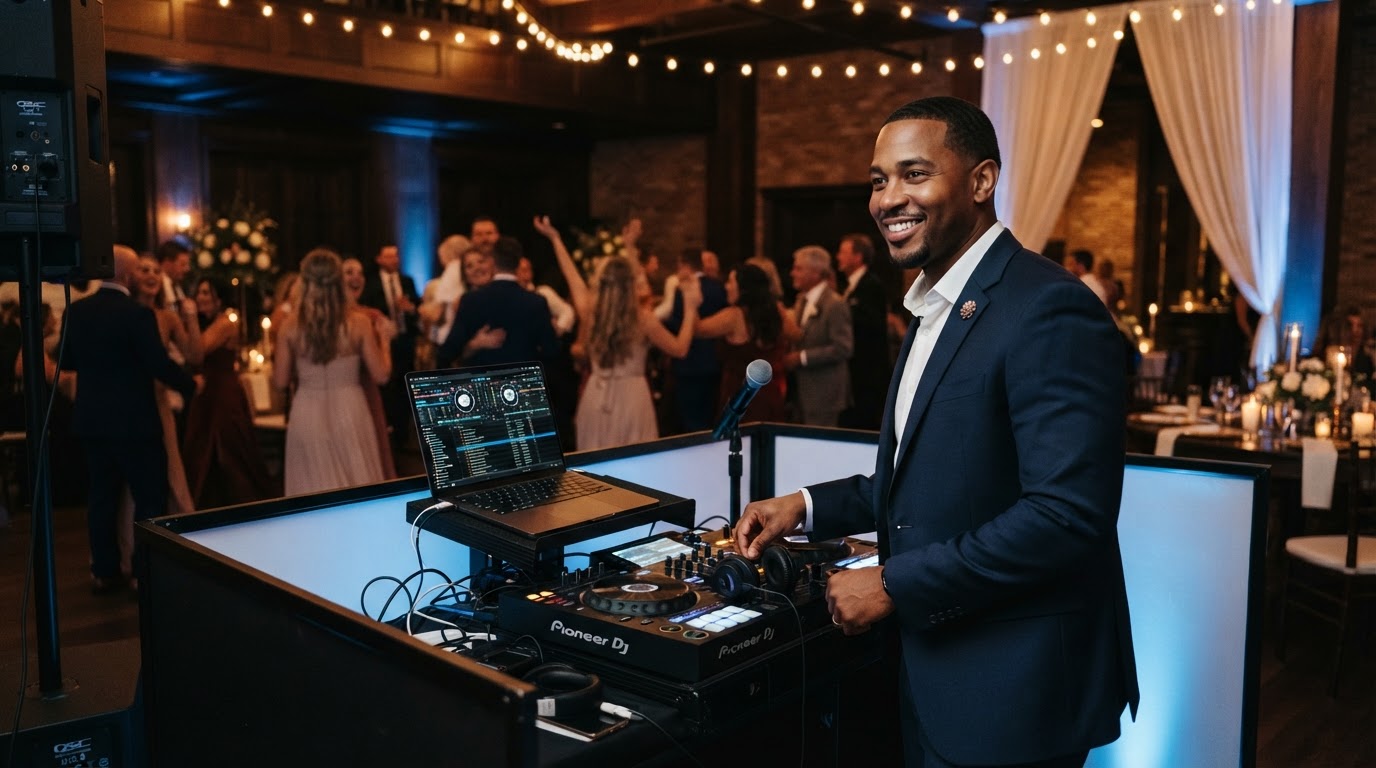
A professional DJ website makes your business easy to understand. Visitors should be able to see who you are, what you offer, where you work, and how to contact you.
Real event photos, readable text, consistent styling, and working contact options are useful places to start. You do not need to make your website look expensive for the sake of it. Its presentation should fit your business and accurately reflect your services.
Start with a clear introduction
Look at the first section of your homepage. Can someone unfamiliar with your business tell what kind of DJ services you provide and which area you serve?
A phrase such as “Unforgettable experiences” may fit your brand, but it needs context.
For example, a fictional wedding DJ might introduce the business with:
“Wedding DJ and MC services in San Diego County.”
A second sentence could explain something specific about their approach, provided it is true.
Keep the introduction short enough to scan. Put detailed background information further down the page or on your About page.
Your business name, service description, and main contact option should be easy to find.
Use photos that show your actual work
Choose photos that help visitors understand you and your services.
Useful examples include:
- A clear photo of you.
- Your DJ setup at an event.
- A ceremony or reception you worked.
- Relevant lighting or sound setups you provide.
Add context when a photo needs explanation. A visitor may not know which part of an event you handled.
Use images you have permission to publish. Do not present stock photos, generated scenes, or another DJ’s work as your own.
Check the crop on both desktop and mobile. A photo that looks good across a wide screen may cut off your face or equipment on a phone.
You do not need a large gallery to start. A smaller selection of relevant images can explain your work without making visitors sort through repeated shots.
Make text comfortable to read
Check your website on your phone as well as your computer.
Look for:
- Text that feels too small.
- Long paragraphs that are difficult to scan.
- Text placed over busy photos.
- Low contrast between text and its background.
- Headings that do not clearly separate sections.
Break up dense passages where it helps understanding. Use headings to identify the subject of each section and bullets for information people need to compare or check.
If text sits over a photo, check the actual image behind it at different screen sizes. A darker overlay or a separate text area may improve readability.
Avoid placing essential information only inside an image. Keep your services, prices, and contact details available as regular page text.
Keep your styling consistent
Review your fonts, colors, buttons, and spacing.
Consistency can help the website feel more organized. That does not mean every section needs an identical layout.
Start with a small set of styles:
- A readable body font.
- A consistent heading style.
- A limited color palette.
- Clear button styles.
- Predictable spacing between sections.
Use button labels that explain the action, such as “Request a Quote” or “Schedule a Consultation.”
Check whether similar buttons lead to similar actions. If one starts an inquiry and another schedules a call, label them accordingly.
Do not assume a dark background, gold accents, or a particular font automatically makes a website more professional. Choose styles that fit your business and remain usable.
Explain your services without making people guess
A polished layout cannot replace useful information.
Explain the services you actually provide, the types of events you handle, and your service area. Where relevant, distinguish ceremony coverage, reception coverage, MC services, lighting, and optional additions.
If you show packages or starting prices, explain what they include.
If you quote individually, tell visitors what information you need and how to request a quote.
For more detail, see how your DJ website can help couples understand your pricing.
Show experience honestly
Use relevant examples, accurate background information, and genuine feedback to help visitors assess your business.
When sharing a review, attribute it truthfully and link to its original public source where appropriate. A platform logo or review widget alone does not establish that every review is authentic.
Avoid adding badges, awards, client logos, or experience claims unless you can support them and have permission where needed.
If you are newer to weddings, explain your relevant experience accurately. Do not imply that styled shoots, practice setups, or demonstration images are paid client events.
See how wedding DJs can build more trust online for more practical examples.
Make contacting you straightforward
Choose a clear next step and make it easy to find.
Depending on your process, that might be an inquiry form, an email option, or a consultation calendar.
Keep forms focused on the information you need at that stage. Label required fields clearly and explain what happens after someone submits.
Submit a test inquiry and trace where it arrives. A success message on the form does not prove delivery. A successful test confirms that particular submission arrived; it does not establish that every future inquiry will deliver.
If you offer consultation scheduling, explain that the appointment is a conversation. It does not reserve an event date.
The guide to adding a consultation calendar to your DJ website explains that distinction.
Review the site on a phone
Open your website on a real phone and try the main tasks a visitor might perform.
Check whether you can:
- Understand your services and location.
- Read the introduction without zooming.
- Open and close the navigation.
- View photos without important subjects being cropped out.
- Read package details.
- Complete the inquiry form.
- Use the consultation calendar, if provided.
Watch for content extending beyond the screen, overlapping elements, and buttons that are difficult to tap.
Try the form yourself rather than assuming the desktop version tells you how it works on mobile.
Keep information current
A professional presentation includes accurate information.
Review your service area, package descriptions, contact details, team information, and links. Remove services you no longer provide and correct outdated statements.
Do not change dates simply to make content appear fresh. Update information when there is a real reason to revise it.
For a recurring review, use the wedding DJ website maintenance guide.
A hypothetical example
Imagine a DJ whose homepage uses five different fonts, a stock ballroom photo, and a button labeled “Let’s Go” that leads to an unexplained form.
The DJ could simplify the typography, replace the stock photo with a permitted image of their own setup, explain the services and location, and rename the button “Request a Wedding DJ Quote.”
Those changes make the page more specific and the next step clearer. They do not prove the website will attract more visitors or produce more bookings.
Choose a design that fits your business
A professional website does not have to look the same for every DJ.
An organized, service-focused presentation may suit one business. A performance-focused design may suit another. A solo DJ may want a more personal introduction.
Compare the three DJ website design examples to see different approaches to layout, imagery, and presentation.
Treat each as a starting point. Your real services, photos, and voice should shape the finished site.
Frequently asked questions
Do I need a complete redesign?
Not necessarily. Start by identifying specific problems. If the layout works, clearer wording, better image choices, updated information, or contact-form fixes may address what needs attention.
Do I need professional photography?
Professional photography can be useful, but you can start with clear, relevant photos you have permission to use. Review lighting, focus, background distractions, and how the images crop on your website.
Will a more professional website let me charge more?
It can help explain your business and services. It does not establish the right price or guarantee that clients will accept higher rates.
Should I add animations or background video?
Only when they serve a useful purpose and work well across devices. Keep essential information and contact options accessible without relying on motion or autoplay media.
Get help presenting your DJ business
DJ Web Studio offers a customized website for $297 setup + $49/month, including hosting and routine minor updates.
We can help connect an existing compatible booking app or provide an included consultation calendar. Third-party app subscriptions may cost extra. Optional marketing services are separate.
Related Articles
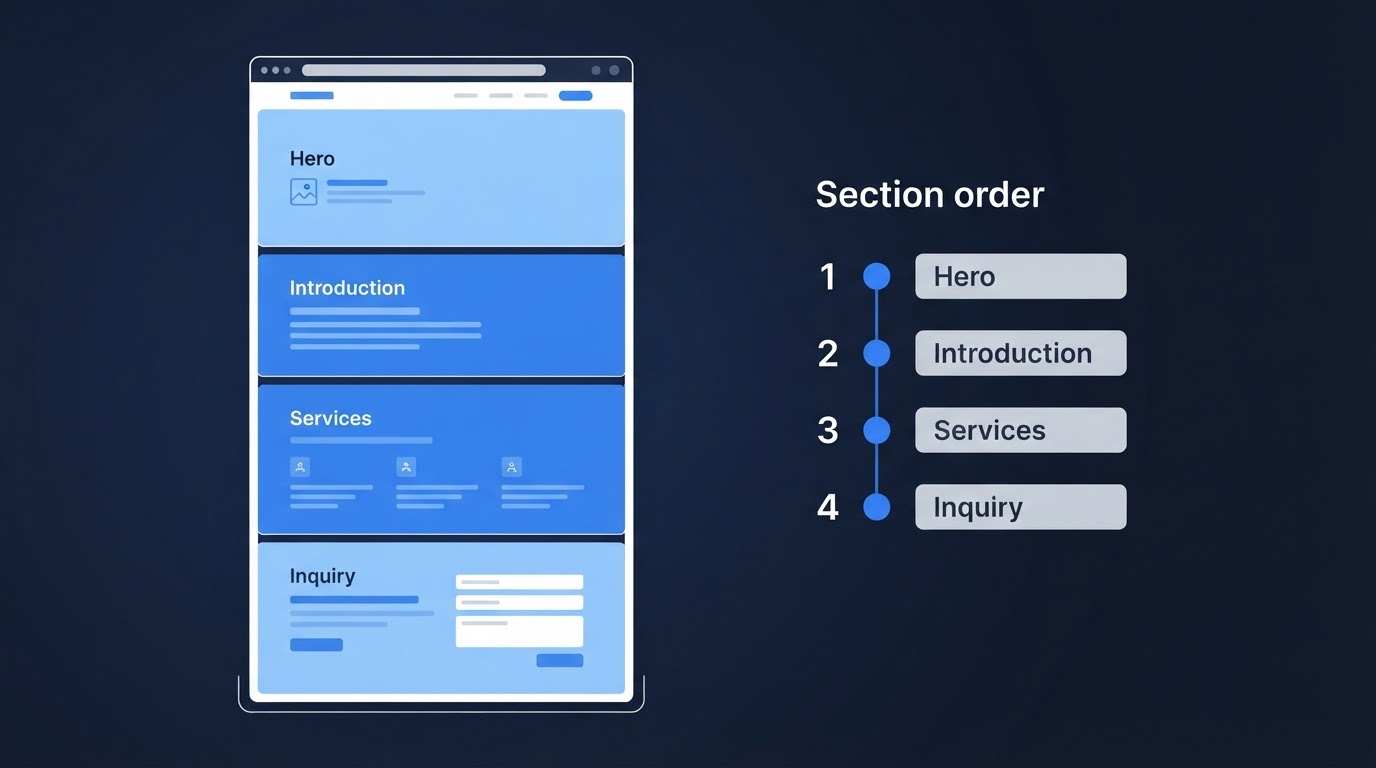
Wedding DJ Website Layout: What to Put Where
A practical wedding DJ website layout covering your introduction, event photos, services, reviews, and inquiry options—with guidance for mobile visitors.
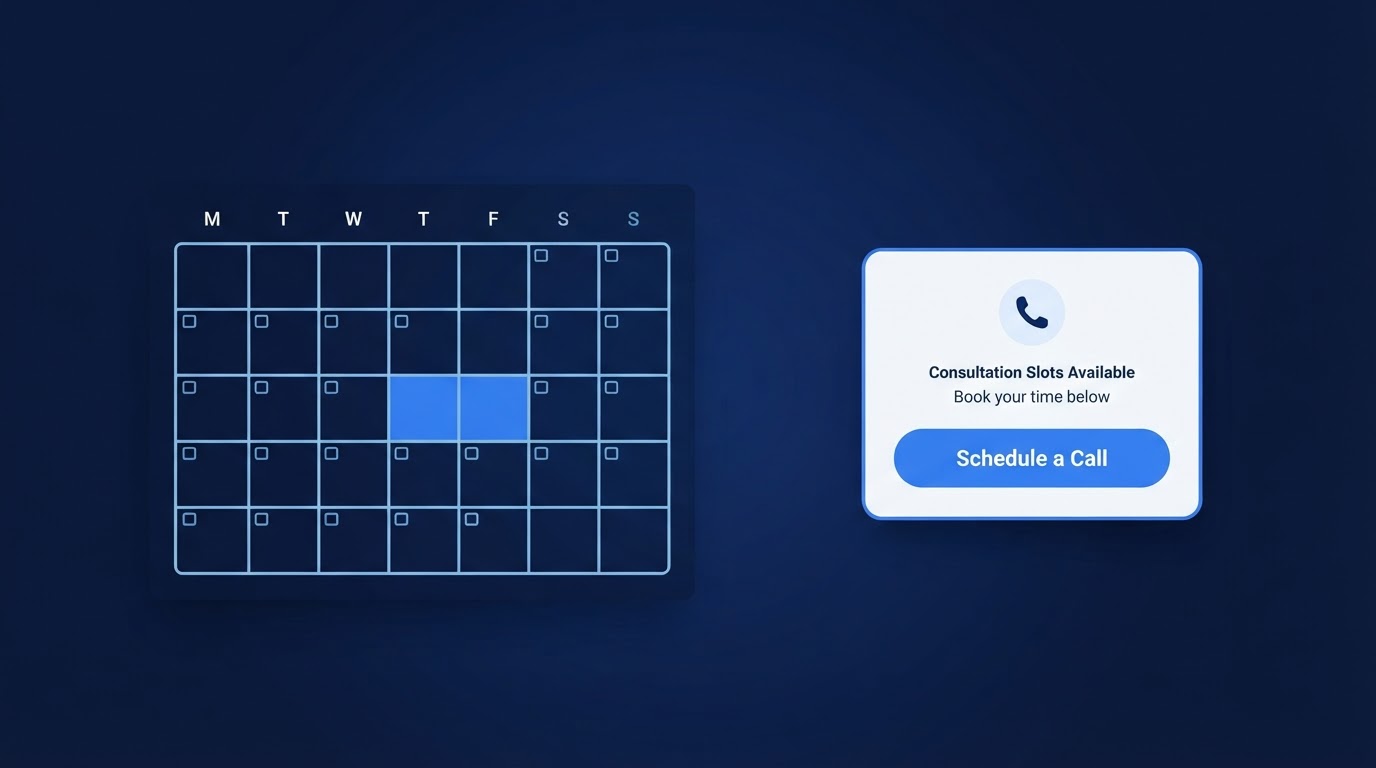
How to Add a Consultation Booking Calendar to Your DJ Website
A consultation calendar lets couples schedule a call without the back-and-forth emails. Here is how to set it up, place it, and test it on a DJ website.
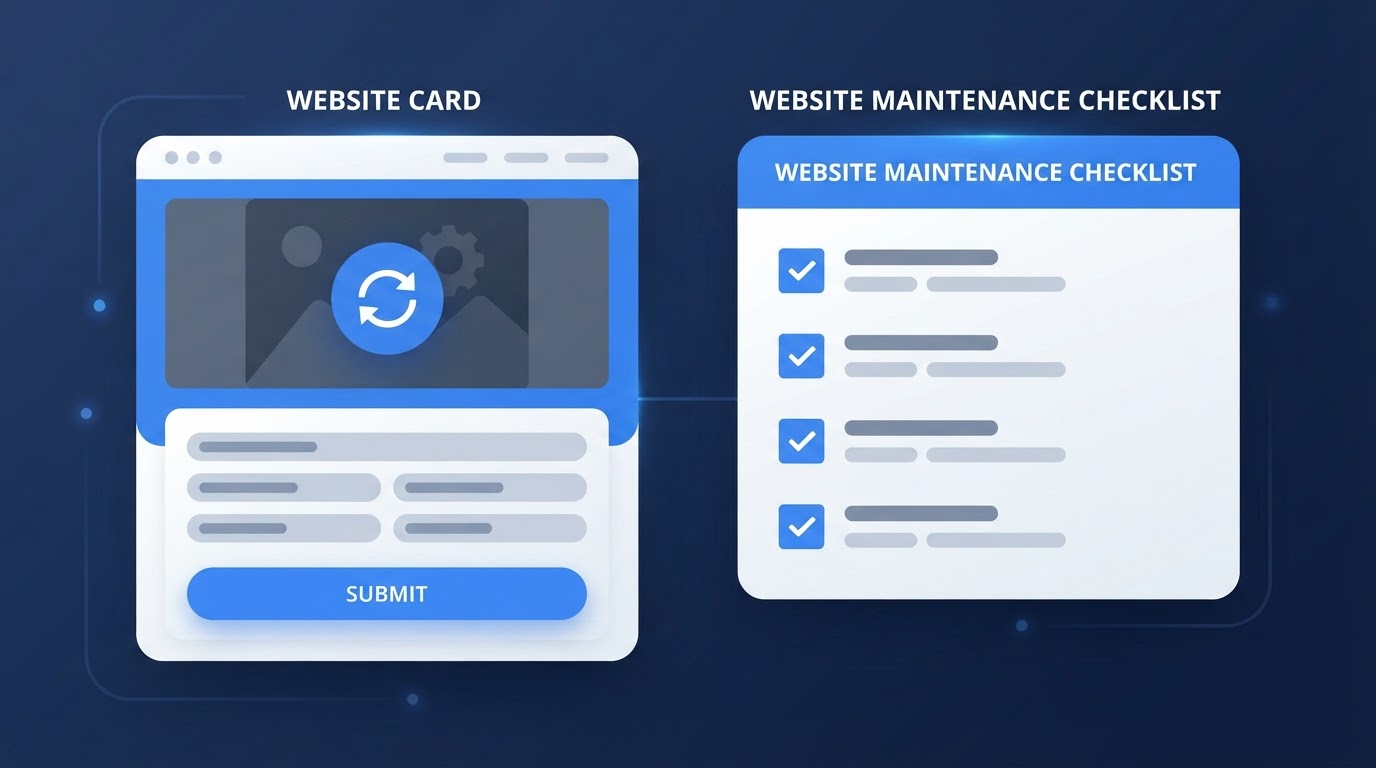
Wedding DJ Website Maintenance: What to Update After Launch
A professional website is not a one-time project. Here is a practical guide to the content and technical updates that keep a wedding DJ website working after launch.